Windnerd.net
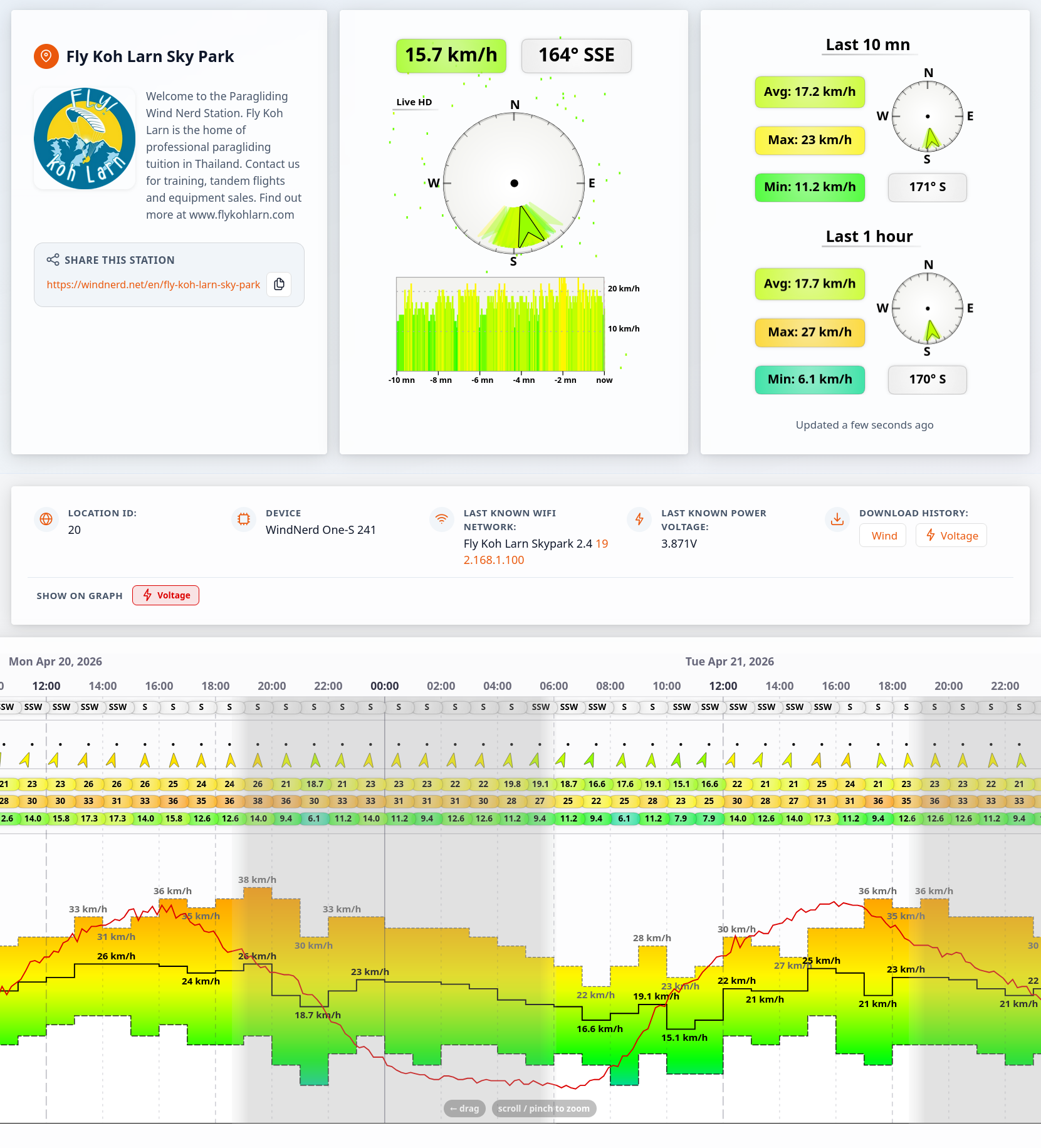
Once connected to Wi-Fi, your WindNerd One(-S) automatically sends wind data and device status information to windnerd.net, allowing you to monitor live and historical wind conditions from anywhere.
If you prefer not to share data online, you can opt out at any time from the local configuration webpage.
Anyone with physical access to the device can manage the associated WindNerd.net station.
Authentication
There are two ways to access the station management console:
Using the QR code or authentication link
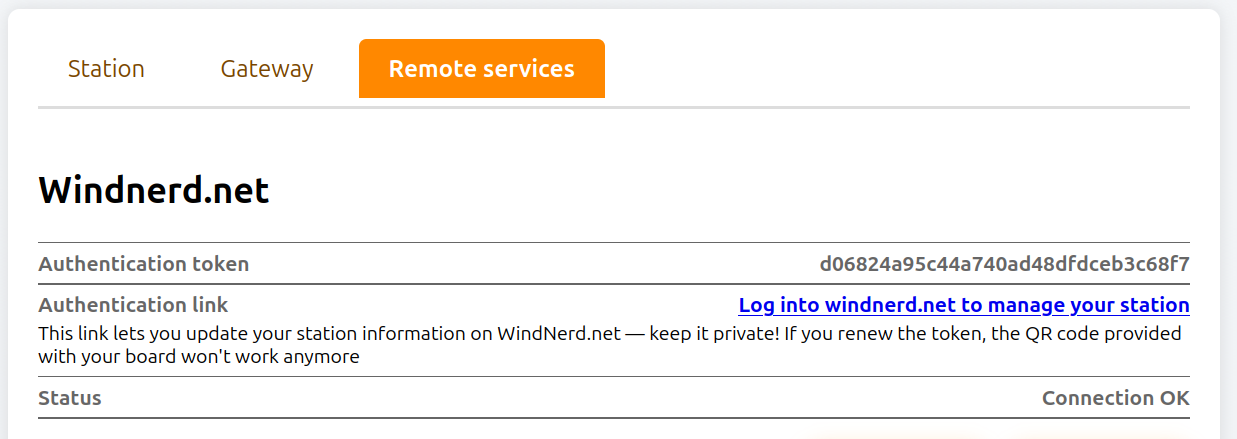
Log in to the station management console by scanning the QR code included with your kit.
Alternatively, you can use the authentication link available on the local configuration webpage.
Using your email account
If you have already linked your WindNerd One(-S) to an email account, you can log in directly to the management console using your email address and password.
Management Console
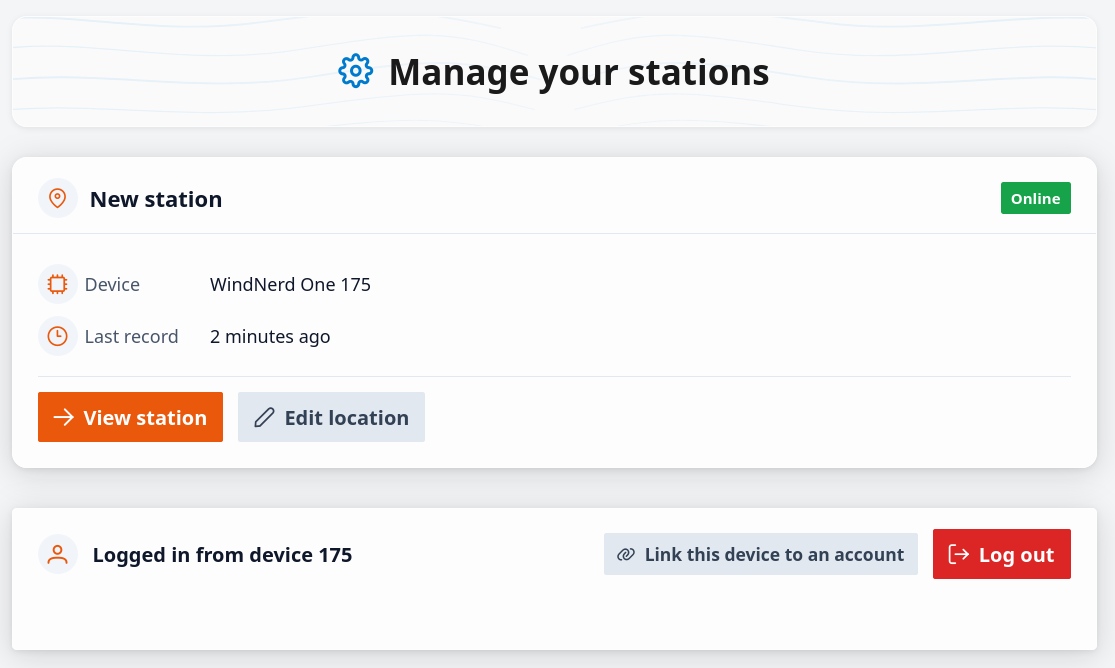
Linking your device to an email account allows you to:
- Manage multiple devices from one account
- Archive locations and preserve wind data
- Transfer a location from one device to another
Edit Location
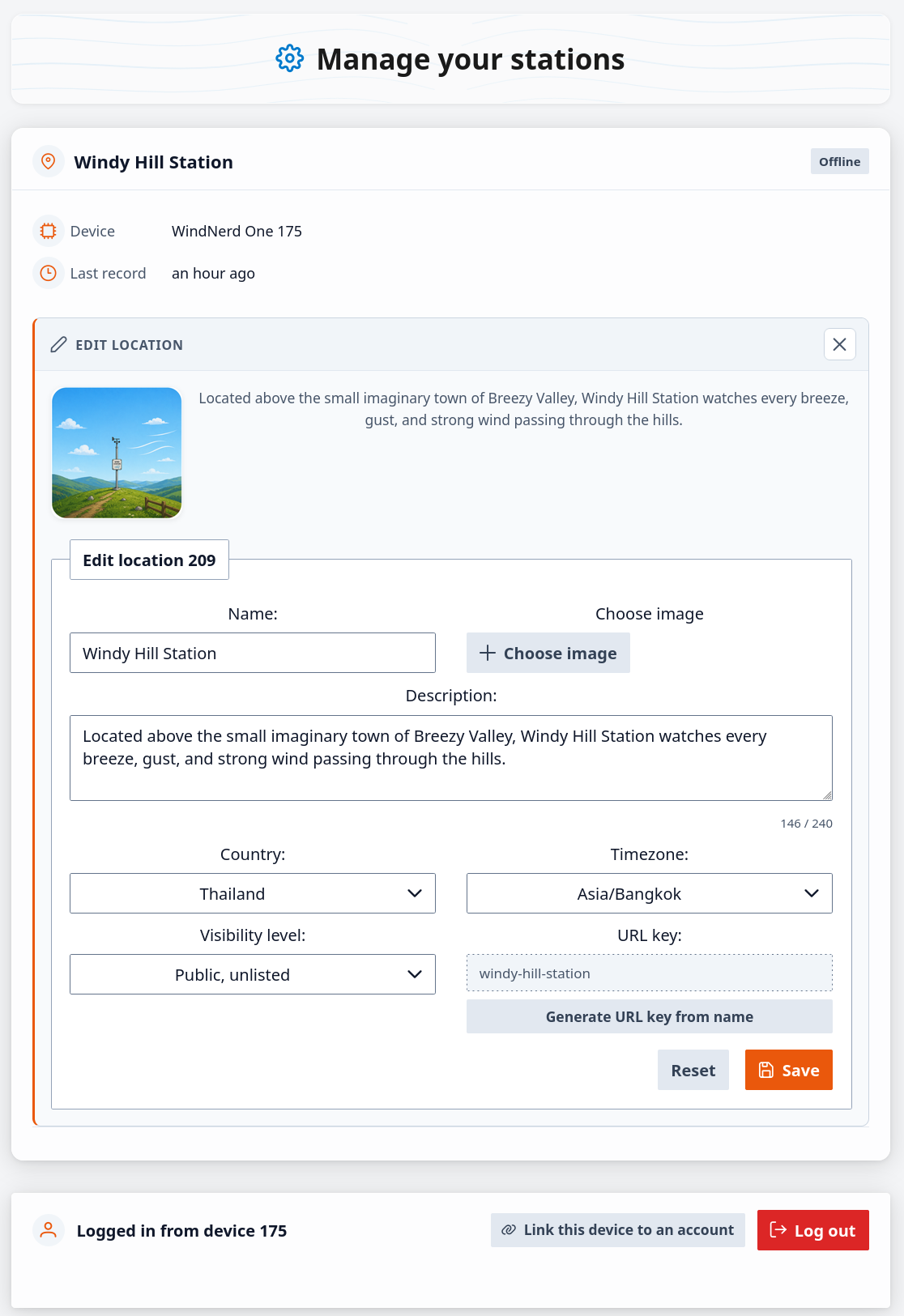
Use the Edit Location form to customize how your station appears on WindNerd.net and control its visibility.
| Field Name | Type | Description |
|---|---|---|
| Location Name | Input | Name of the station location displayed on WindNerd.net. Helps identify the station in your account. |
| Location Image | Upload | Upload an image to represent the location. Accepted formats: image files only, maximum size 5 MB. The image is uploaded automatically after selection and is saved only when the form is saved. |
| Description | Input | Short description of the location. |
| Country | Select | Country where the station is located. Used to organize station information and determine available timezones. |
| Timezone | Select | Timezone used for the station. Available options depend on the selected country. Ensures wind data is displayed in the correct local time and can be correlated with daylight cycles. |
| Visibility | Select | Defines who can access the location: private, publicly accessible through a direct link, or publicly accessible and listed on WindNerd.net. |
| URL key | Output | Key for the public URL when the station is publicly accessible. |
| Generate URL key | Button | Generate a new valid URL key derived from current name. The location name can be changed later without changing the URL, or a new URL can be generated at any time. |
| Archive Location | Button | Archives the current location while preserving its data, allowing a new location to be assigned to the device. Available only when the device is linked to an email account. |
| Reset | Button | Restores the form to its original values. Any unsaved changes are discarded. |
| Save | Button | Applies and saves all updated station settings. |
Station Private View
View the current device status, power voltage and monitor wind data.