Sunbank Assembly
The Sunbank 2W is a solar power base for the WindNerd HQ and OnSpot (and the discontinued One-S). It holds a 18650 rechargeable lithium battery and two solar panels with independent charging circuits, plus a USB-C charging port.
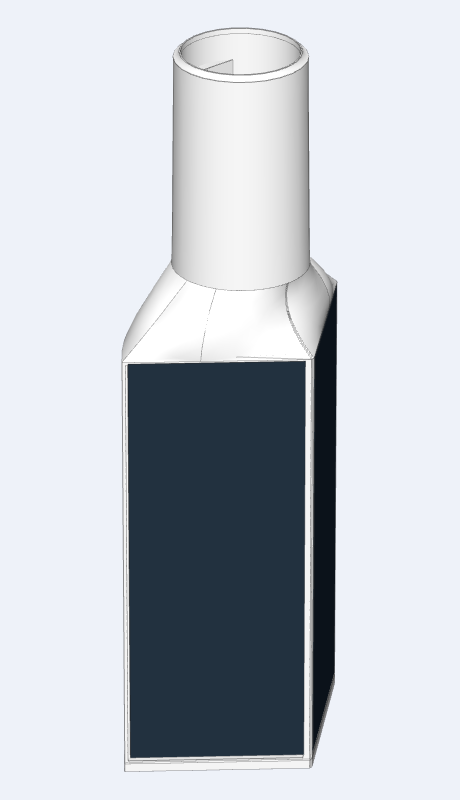
Due to transport regulations for lithium-ion batteries, the 18650 cell is not included and must be sourced locally. Any standard 3.7 V lithium-ion 18650 cell can be used, new or salvaged, provided it is in good condition. In locations with good solar exposure, even lowest-capacity cells will generally perform adequately.
Assembly Instructions
Follow the steps below to assemble your Sunbank.
1. Position the First Solar Panel
Arrange the wire so that it forms a loop.
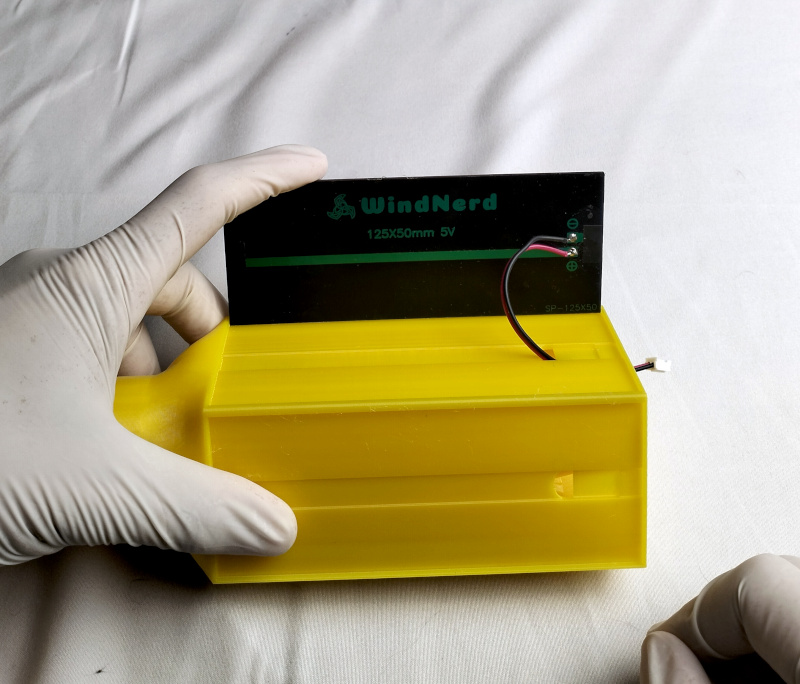
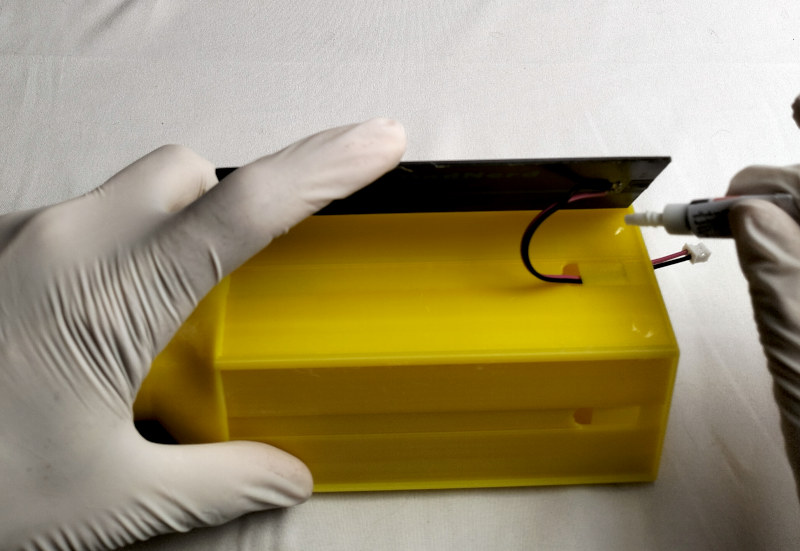
2. Apply Glue to the Corners
Apply glue to each side and corner of the panel pocket.
Alternatively, an RTV-silicone-type adhesive can be used on a larger surface instead of cyanoacrylate. It provides a seal while still allowing the solar cell to be removed should a rebuild ever become necessary.
3. Insert the Solar Panel
Place the solar panel into the pocket while gently pulling the wire outward.
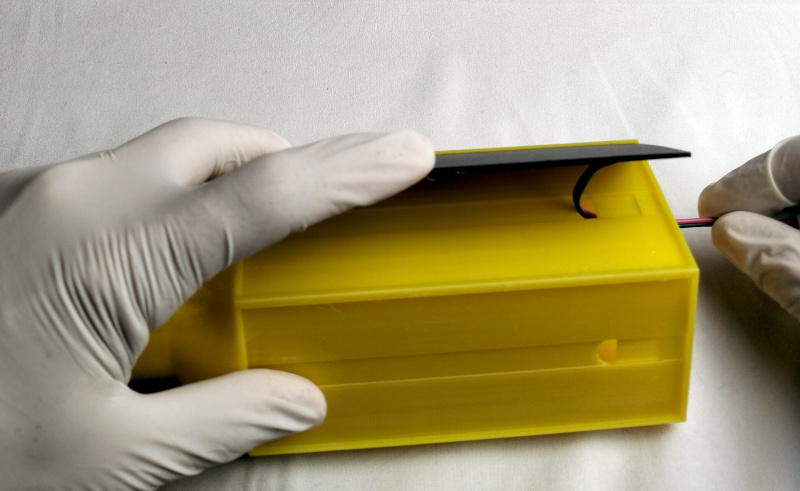
4. Hold Until Cured
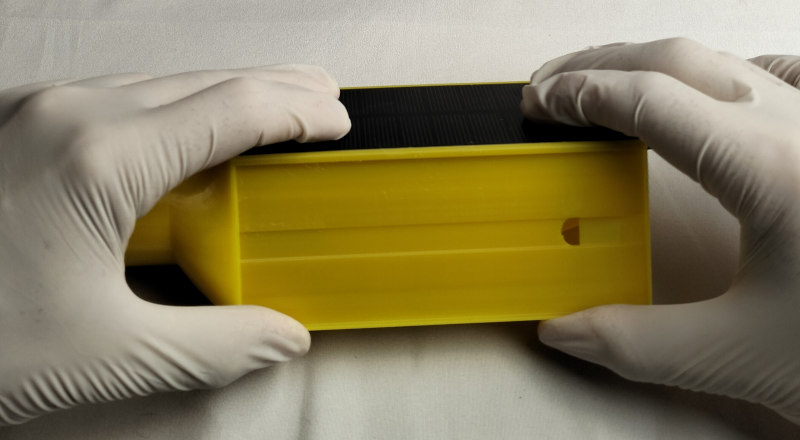
Press the solar panel firmly in place and hold until the glue has cured.
5. Install the Second Solar Panel
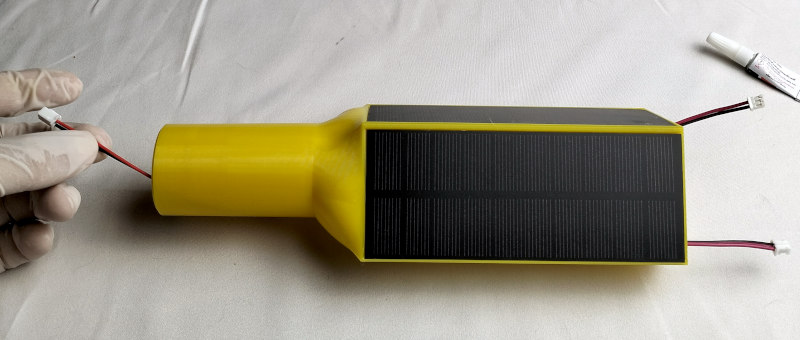
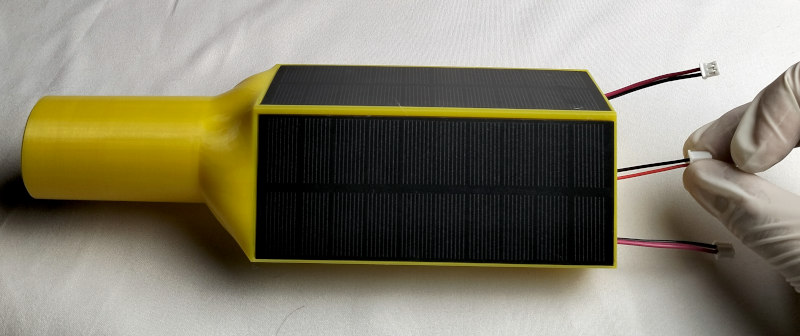
Repeat the same procedure to glue the second solar panel.
6. Route the XH2.54 Cable
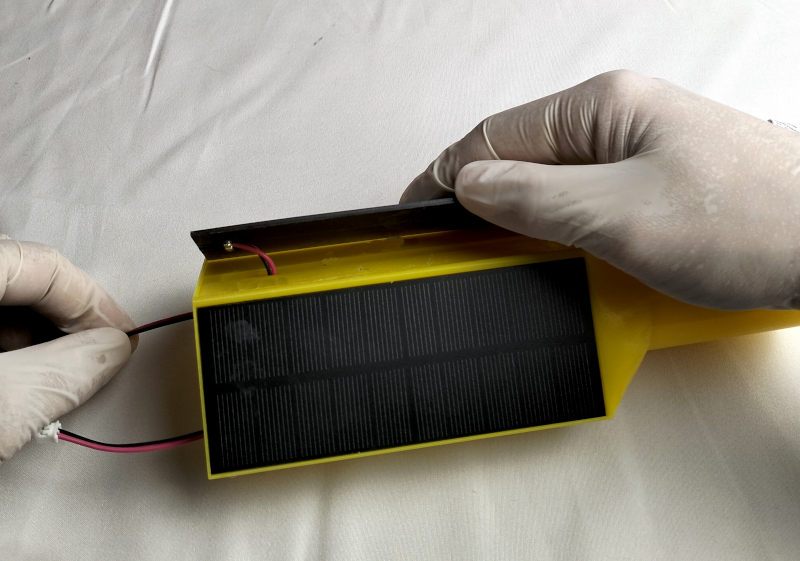
Run the XH2.54 cable from the top of the enclosure to the bottom.
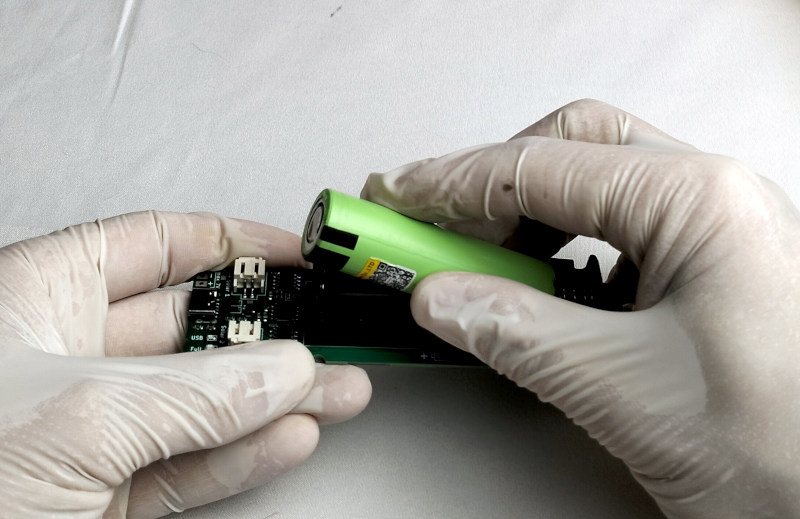
7. Insert the 18650 Battery
Insert a 18650 cell into the battery holder, ensuring correct polarity.
8. Connect the Cable to the PCB
Connect the XH2.54 cable to the electronic board.
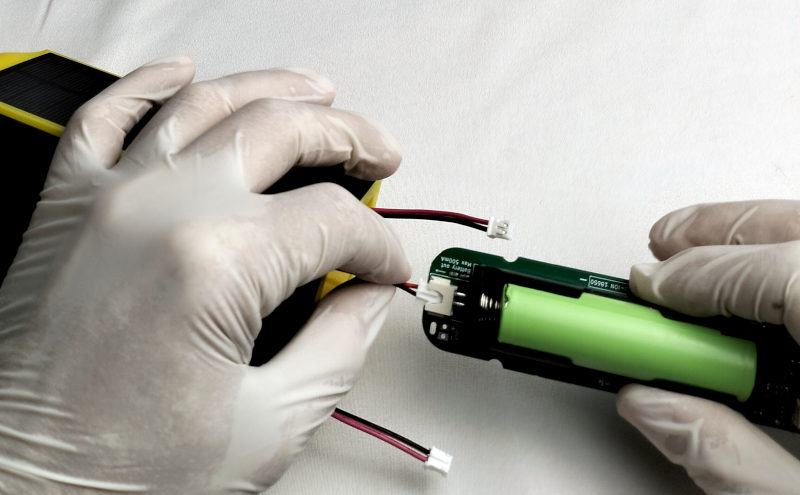
9. Connect the Solar Panels
Connect the two solar panels to the PCB.
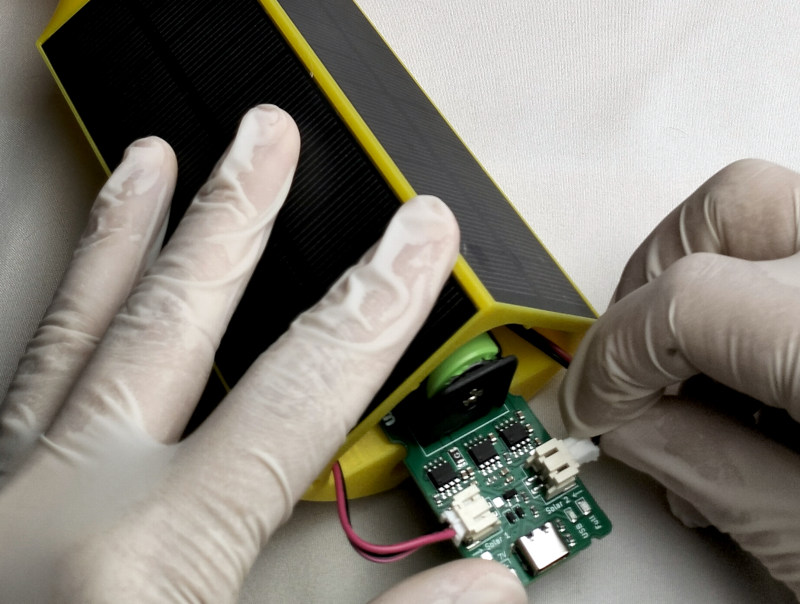
10. Insert the PCB
Carefully push the electronic board fully into the enclosure.
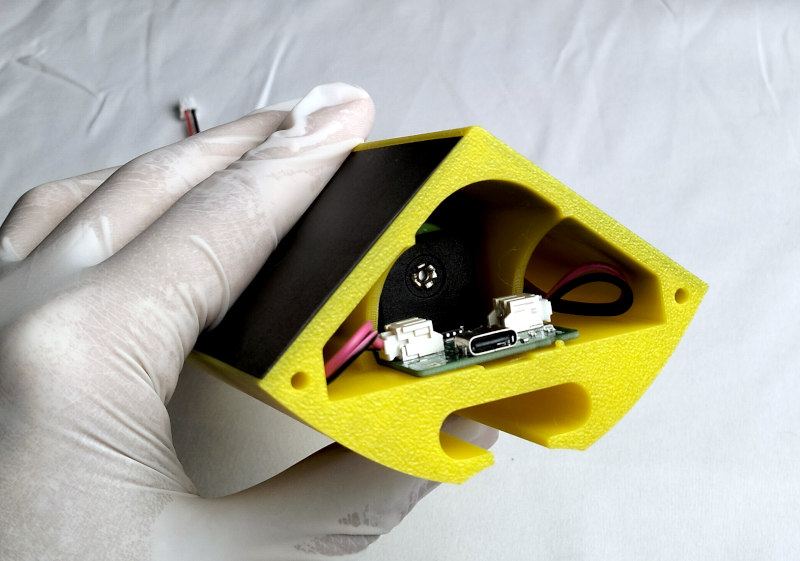
11. Initial Charging
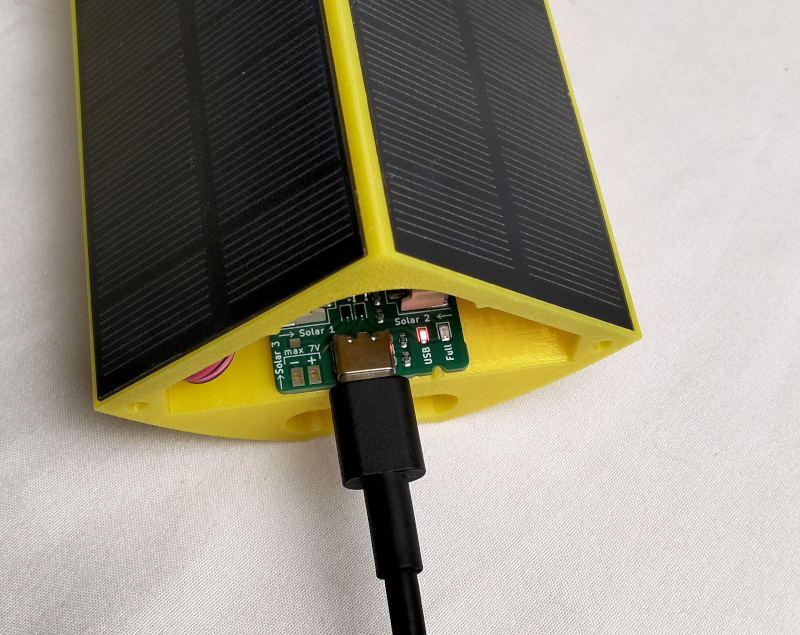
Before outdoor installation, fully charge the battery via the USB-C port. The green LED indicates when charging is complete. A full charging cycle can take up to 8 hours.
12. Close the Enclosure
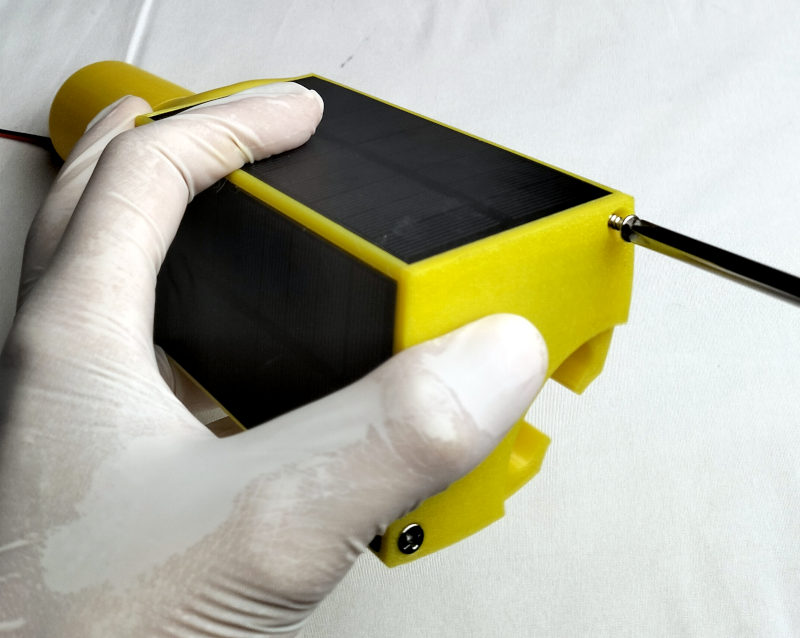
Attach the bottom cover using the two small screws.
Once charged, the Sunbank can be mounted on its mast dock: see the Sunbank dock installation.